
You are using an out of date browser. It may not display this or other websites correctly.
You should upgrade or use an alternative browser.
You should upgrade or use an alternative browser.
how to post an image
- Thread starter letitride
- Start date

Pacificcoast101
Member
- Joined
- Sep 28, 2007
- Messages
- 765
- Reaction score
- 22
- Location
- Torrance
- C Dory Year
- 2008
- C Dory Model
- 255 Tomcat
- Vessel Name
- No Pressure
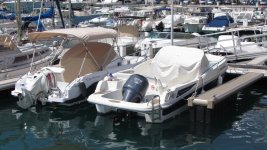
Remove the second [/img] from your post.
JamesTXSD
Active member
- Joined
- Mar 1, 2005
- Messages
- 7,515
- Reaction score
- 24
- C Dory Year
- 2007
- C Dory Model
- 25 Cruiser
- Hull Identification Number
- TBA
- Vessel Name
- "Wild Blue" (sold 9/14)
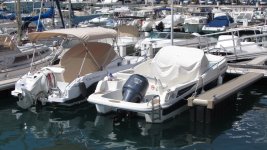
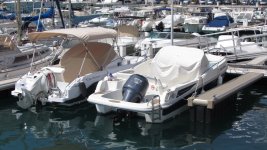
Seems to be working. Try eliminating the img in the brackets on either end and use the button on the second to the right above when making your post... click on the Img, paste in your image address, then hit the Img button again. Check it with "preview" before you post.

clayhubler
Member
- Joined
- Aug 3, 2019
- Messages
- 406
- Reaction score
- 7
- C Dory Year
- 1986
- C Dory Model
- 26 Pro Angler
- Vessel Name
- Merlin
first, go to the page where the image is located, right click and select copy image address. then, in the post a reply page, click the img button, then paste the address from the step before, then click on the img button again:
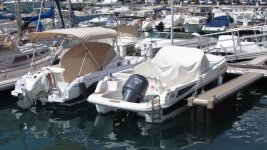

They look fine to me!
The problem was having the BBCode disabled. Just below the textbox when typing a message is a list of options that pertain to the message being typed. One of them is to disable the BBCode which is what makes the command tags work. I don't know why it sometimes get clicked. I edited your messages and turned the code back on.
The problem was having the BBCode disabled. Just below the textbox when typing a message is a list of options that pertain to the message being typed. One of them is to disable the BBCode which is what makes the command tags work. I don't know why it sometimes get clicked. I edited your messages and turned the code back on.
